PPP Haryana Portal Not Working – Errors, Reasons & Solutions
If PPP Haryana portal not working, loading slowly, showing errors, or not responding after login, you are not alone. Thousands of users face this issue daily while trying to access PPP Haryana Family ID services like login, status check, update, or download.
In most cases, portal itself is not permanently down. Issue usually depends on what action you are trying to perform and at what stage your Family ID is.
What Does “PPP Haryana Portal Not Working” Actually Mean?
Users use this phrase for many different problems, such as:
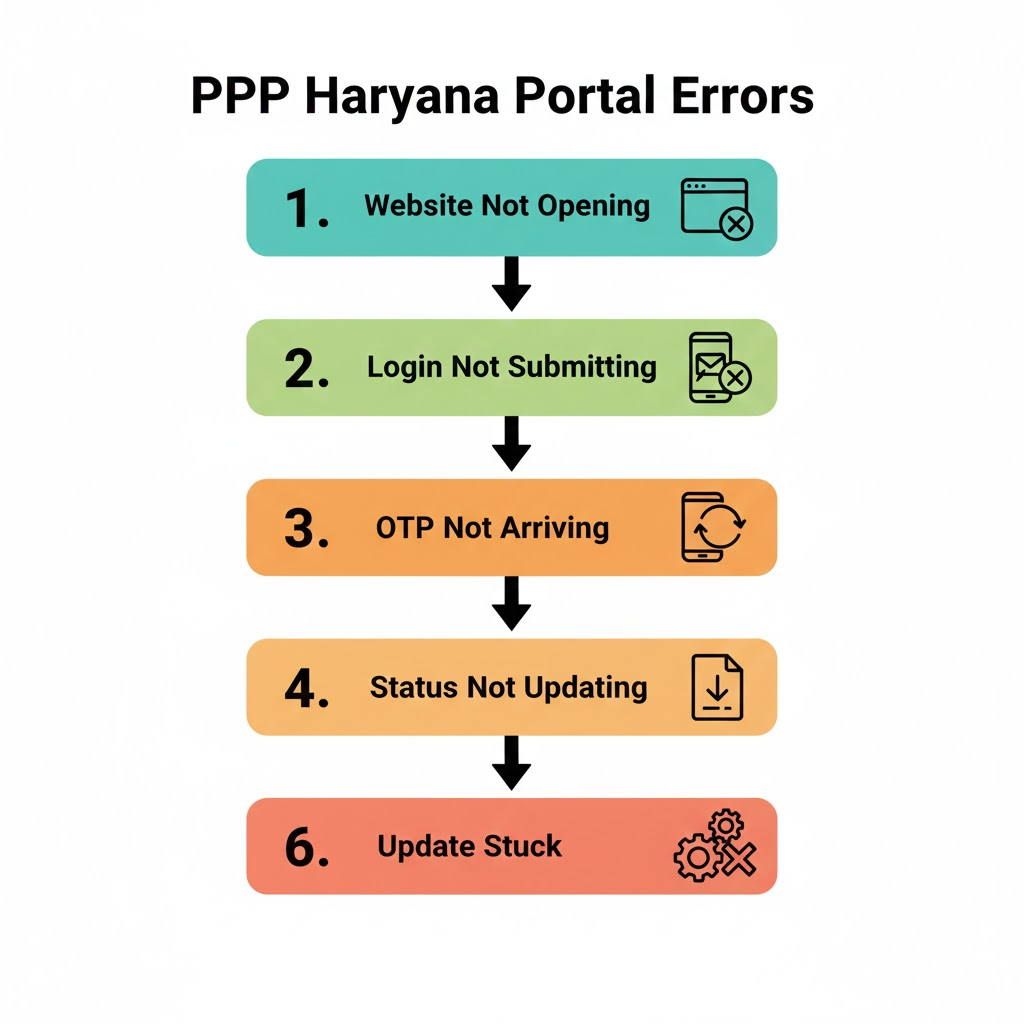
- Website not opening
- Login page loading but not submitting
- OTP not arriving
- Status not updating
- PDF not downloading
- Update or correction stuck
So instead of assuming a single issue, it’s important to identify exact point where portal stops responding.
Common Situations When PPP Haryana Portal Stops Working
You may feel portal is not working when:
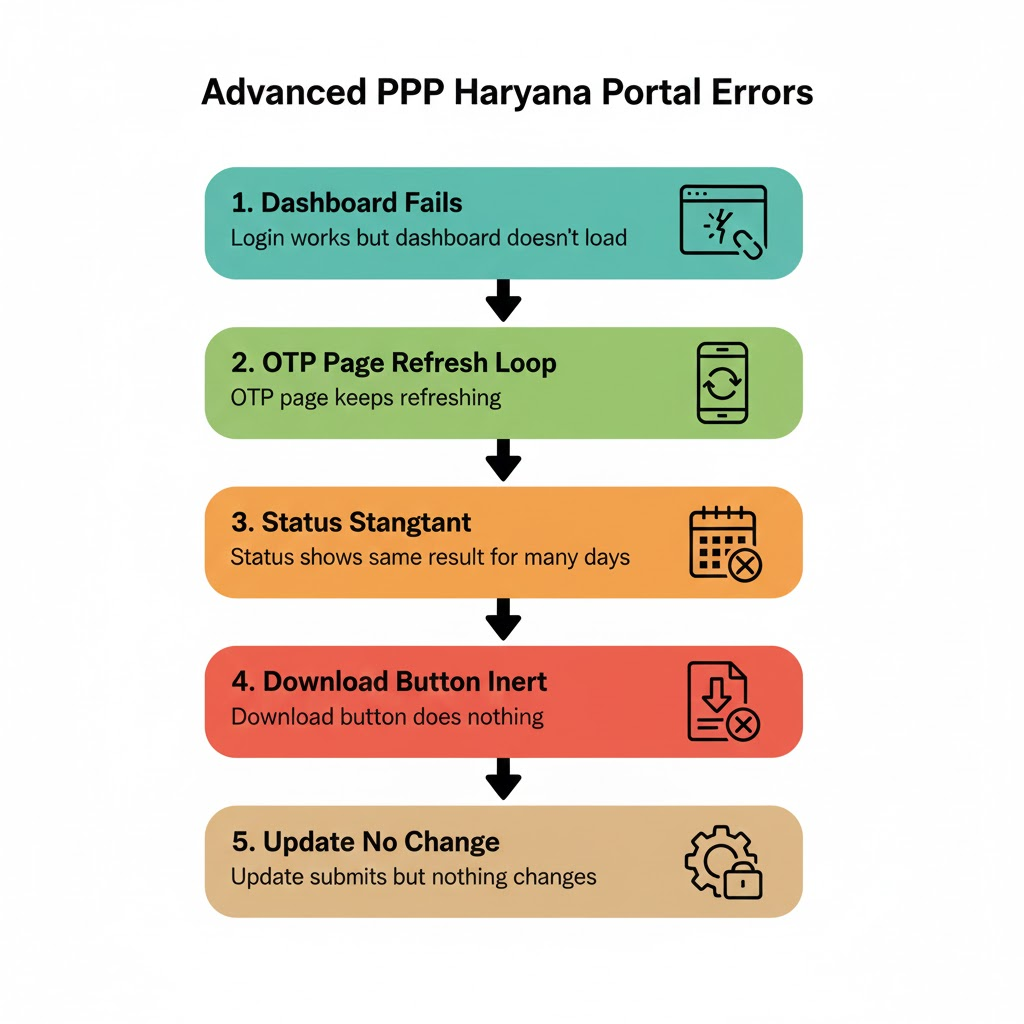
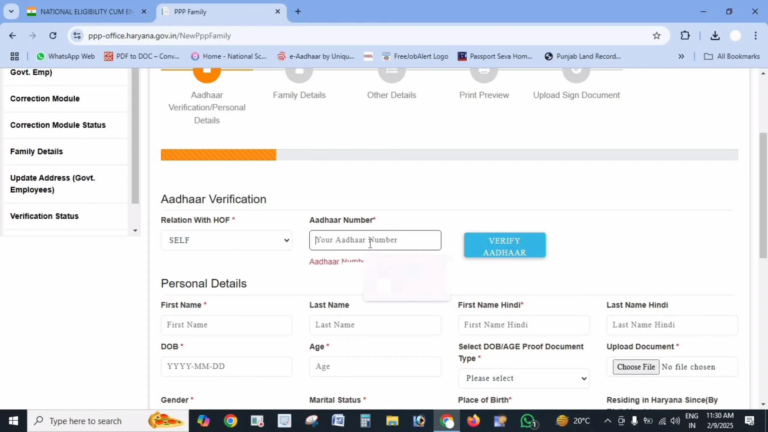
- Login works but dashboard doesn’t load
- OTP page keeps refreshing
- Status shows same result for many days
- Download button does nothing
- Update submits but nothing changes
Each of these situations has a different reason and solution.
Main Reasons Why PPP Haryana Portal Is Not Working
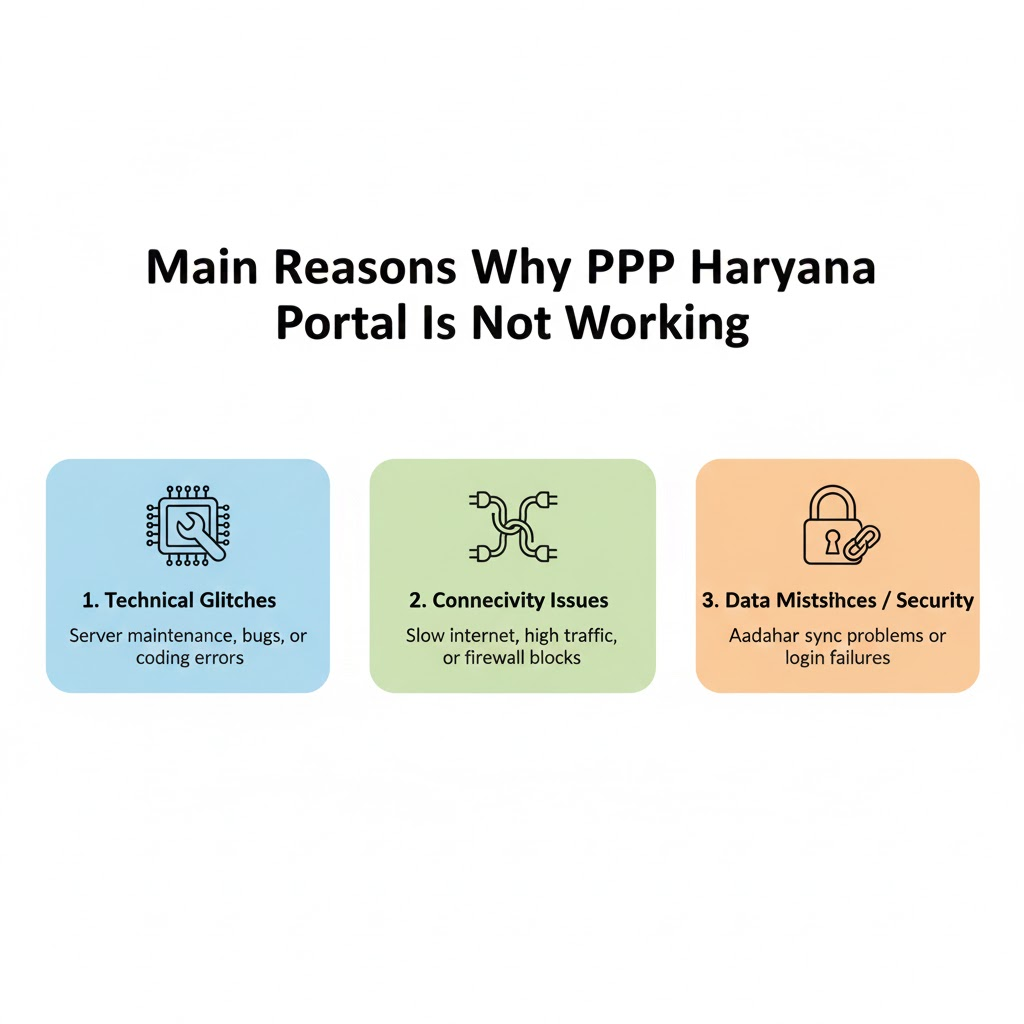
1. Login-Related Issues
If portal opens but you cannot move past login, problem is usually related to session instability or credentials.
In such cases, issue is better understood as a PPP Haryana login problem, where portal appears active but does not allow full access.
2. OTP Verification Failure
Many users report that portal “hangs” or reloads endlessly after requesting OTP. This gives impression that portal is broken.
In reality, this is often caused by OTP delivery delays or verification failures. If this happens frequently, it matches PPP Haryana OTP not coming issue rather than a portal outage.
3. Family ID Status Is Pending
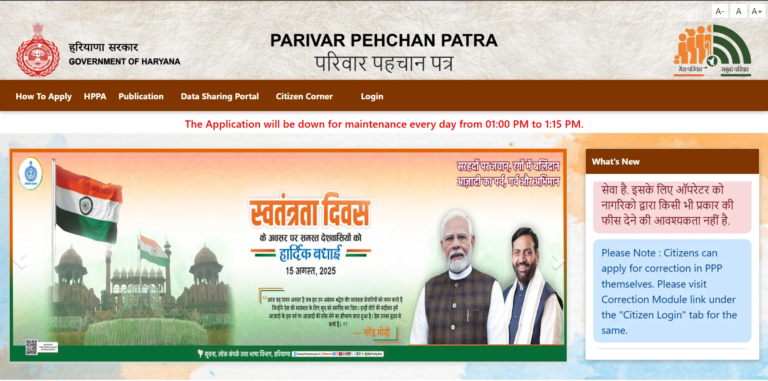
If portal https://meraparivar.haryana.gov.in/ loads correctly but:
- Download option is missing
- Update doesn’t apply
- Details don’t change
then system is usually restricting actions because verification is still in progress.
This is a very common situation when PPP Family ID status is showing pending, even though portal itself is working fine.
4. Update or Correction Is Stuck
When users update details and nothing changes for days, they often think portal is not working.
However, this usually means:
- The update is under review
- A previous correction was rejected
- Aadhaar verification is pending
This aligns closely with PPP Haryana update status not changing, not a technical portal failure.
5. Record Temporarily Not Accessible
Sometimes users log in and suddenly:
- Family ID is not visible
- Search returns no result
- Dashboard looks empty
This situation is commonly described as portal failure but is actually related to PPP Family ID not found, which can occur temporarily during verification or backend sync.
6. Download Page Not Responding
If everything works but PDF does not download, users assume portal is broken.
In most cases, this happens because:
- Approval is incomplete
- Recent update is under process
- Session expired silently
This explains why users face unable to download PPP Family ID PDF even when login is successful.
7. Server Load or Maintenance
During peak hours (morning & afternoon):
- Pages load slowly
- Buttons don’t respond
- Errors appear without message
This is a temporary condition and usually resolves on its own.
Step-by-Step: What to Do When PPP Haryana Portal Is Not Working
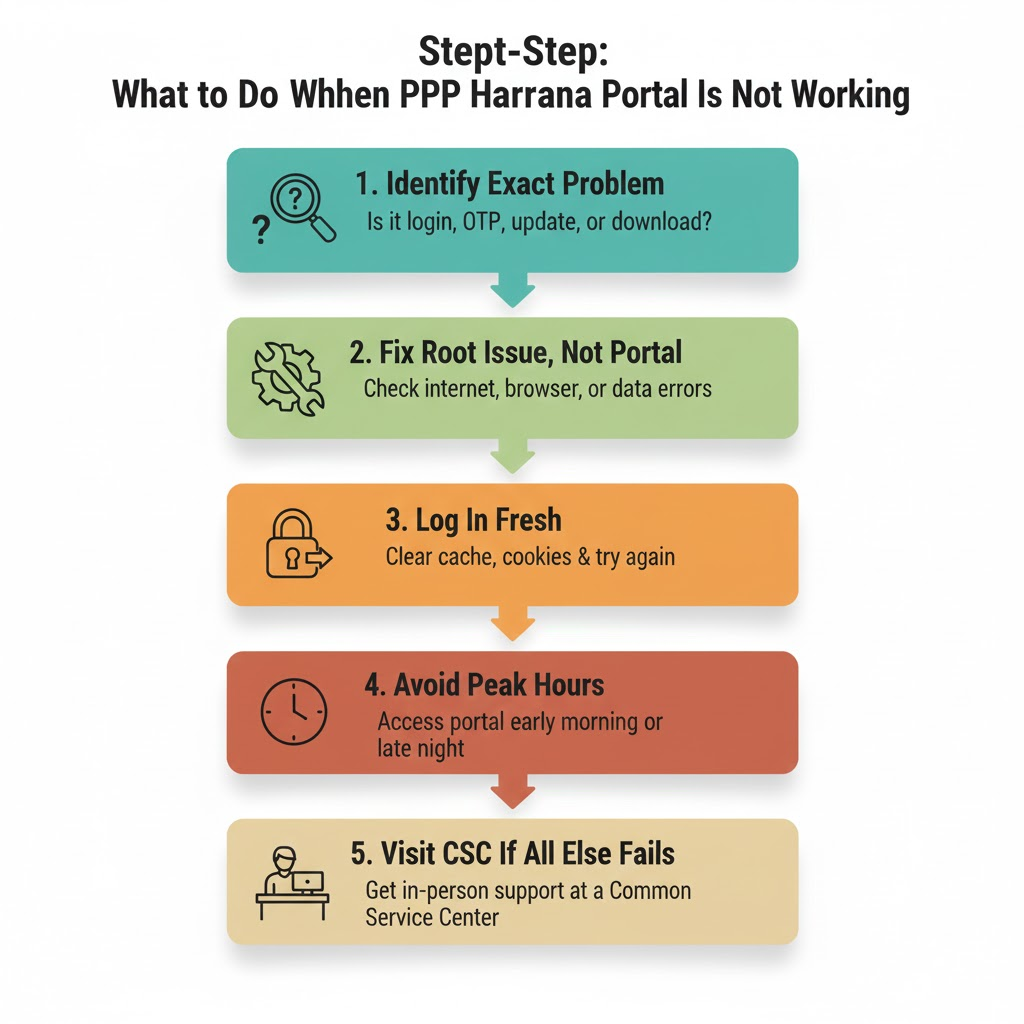
Step 1: Identify Exact Problem
Ask yourself:
- Is login failing?
- Is OTP not arriving?
- Is status stuck?
- Is update not applying?
- Is download not working?
Each issue has a specific fix.
Step 2: Fix Root Issue, Not Portal
Instead of refreshing repeatedly:
- Resolve login issues first
- Ensure OTP verification is successful
- Confirm Family ID status is approved
- Avoid submitting repeated updates
Most “PPP Haryana portal not working” complaints disappear once root issue is fixed.
Step 3: Log In Fresh
Completely log out and log in again using a stable internet connection. A clean session fixes many silent errors.
Step 4: Avoid Peak Hours
Try accessing portal:
- Early morning
- Late night
This reduces server-related failures.
Step 5: Visit CSC If Online Access Fails Repeatedly
If “PPP Haryana portal not working” continues to misbehave even after resolving all issues:
- Visit a PPP Haryana CSC
- Carry original documents
- Ask them to check backend remarks
CSC operators can see issues not visible online.
FAQs
Is PPP Haryana portal down today?
Usually no. Most issues are user-specific or verification-related.
Why does portal open but not work properly?
Because login, OTP, status, update, and download are controlled separately.
Should I wait or take action?
First identify issue. Waiting helps only in verification-related cases.
Does portal issue affect benefits?
Only if approval or updates are required for scheme eligibility.
Conclusion
When users say PPP Haryana portal not working, issue is rarely a complete system failure. In most cases, problem lies in login sessions, OTP verification, pending status, stuck updates, rejected corrections, or restricted downloads.
By understanding how these processes are interconnected inside PPP Haryana Family ID system, you can fix real issue instead of assuming portal is broken.