Family Member Missing in PPP ID – How to Add & Fix It
If you notice that a family member missing in your PPP Family ID, it usually means person was not added during registration or their details were not verified successfully. This is a common issue, especially in families where members were added later or documents were incomplete.
Most users discover this problem only after logging in successfully and reviewing their family details inside PPP Haryana Family ID system, where accuracy of family structure is extremely important.
When Does This Problem Usually Occur?
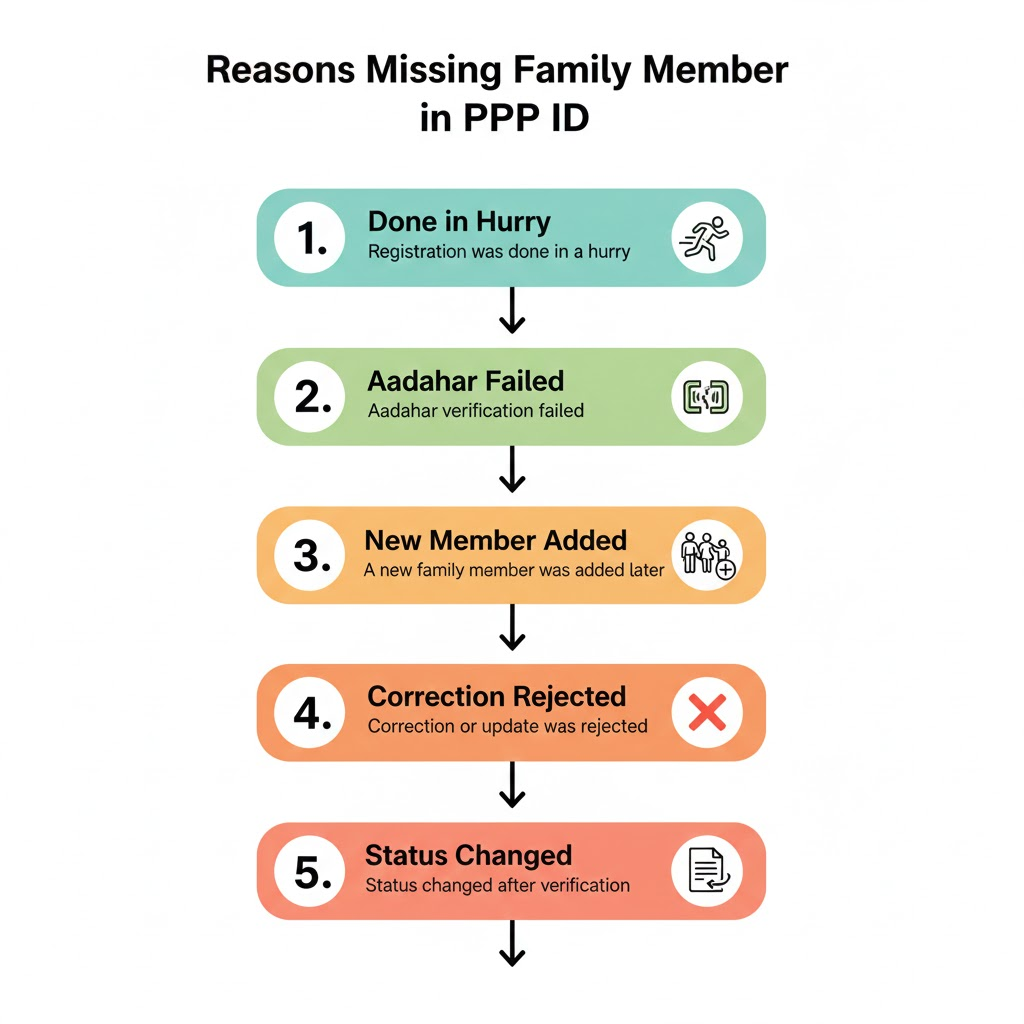
A family member may be missing when:
- Registration was done in a hurry
- Aadhaar verification failed
- A new family member was added later
- Correction or update was rejected
- Status changed after verification
This issue is closely connected to update, correction, and status-related processes rather than login or registration failures.
Common Reasons Why Family Member Missing in PPP ID
1. Family Member Was Not Added During Registration
During initial registration, if a family member is skipped or not saved properly, Family ID is created without that person.
2. Aadhaar Not Linked or Verified
If Aadhaar verification fails for a family member, system may automatically exclude that member from final approved Family ID.
3. Correction or Update Was Rejected
If you previously tried to add a family member and request was rejected, member will not appear.
Many users who faced PPP Family ID correction rejected later realize that rejected correction is reason family member missing.
4. Family ID Status Was Pending During Update
Adding or editing family members while Family ID is still under verification can result in incomplete family data.
This is why checking whether your PPP Family ID status is showing pending is critical before making family-related changes.
5. Update Status Did Not Change
Sometimes request to add a family member is submitted, but update status remains unchanged, giving impression that nothing happened.
This is commonly linked to PPP Haryana update status not changing, where backend verification delays addition.
How to Add Missing Family Member in PPP Haryana – Step by Step
Step 1: Log In Properly to PPP Haryana
Start with a clean login session. Avoid multiple login attempts or refreshing page.
If login feels unstable or slow, resolve PPP Haryana login problems first, as session issues can affect family updates.
Step 2: Check Current Family ID Status
Confirm that:
- Family ID is approved
- Status is visible
- No “not found” error appears
If record is not accessible, it may be related to PPP Family ID not found, which must be fixed before adding members.
Step 3: Choose “Add Family Member” Option
Once logged in:
- Go to update section
- Select add family member
- Enter correct relationship
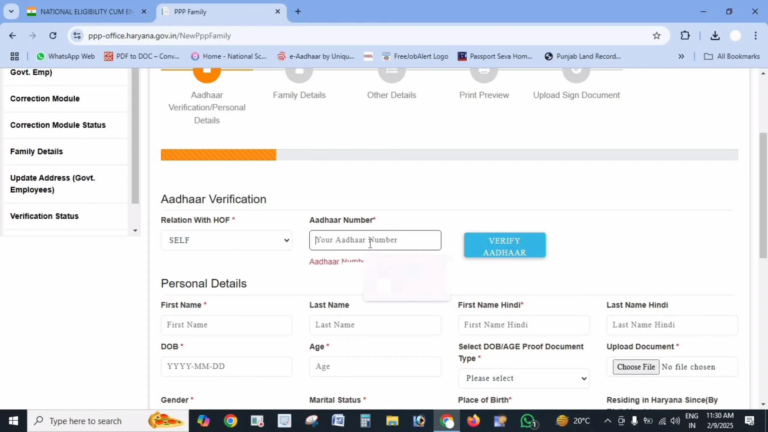
Be very careful while entering Aadhaar and personal details.
Step 4: Upload Correct Documents
Ensure:
- Aadhaar card is clear
- Relationship proof (if required) is correct
- Data matches exactly
Incorrect or unclear documents often lead to rejection.
Step 5: Complete OTP Verification
OTP verification finalizes submission. If OTP does not arrive or verification fails, request may not register correctly.
Users who previously faced PPP Haryana OTP not coming should double-check OTP confirmation before proceeding.
Step 6: Wait for Verification
Family member addition usually requires verification. During this period:
- Status may not change immediately
- Member may not appear instantly
- Download access may be restricted
This explains why some users suddenly become unable to download PPP Family ID PDF after submitting family updates.
What to Do If Family Member Is Still Missing After Submission
Do Not Submit Repeated Requests
Multiple submissions can confuse system and delay approval.
Recheck Update Status
If update remains unchanged for many days, it is likely a verification delay rather than a failed submission.
Visit CSC If Needed
If family member does not appear even after a reasonable wait:
- Visit a PPP Haryana CSC
- Carry original documents
- Ask them to check backend remarks
CSC operators can manually verify and guide further.
What NOT to Do
- Do not create a new Family ID
- Do not submit repeated corrections blindly
- Do not rely on agents or unofficial sites
- Do not change Aadhaar data unnecessarily
These actions may cause long-term issues.
Conclusion
If a family member is missing in PPP Family ID, it is usually due to verification delays, rejected corrections, or incomplete updates. This issue is not permanent and can be resolved by following proper update process with correct documents and patience.
Understanding how status approval, corrections, updates, OTP verification, and download access are interconnected in PPP Haryana system helps prevent repeated errors and ensures your Family ID remains accurate and complete.
FAQs
Can I add a family member after Family ID is approved?
Yes, through update option.
How long does it take to add a family member?
It depends on verification and document accuracy.
Will missing family members affect schemes?
Yes, schemes linked to family structure may not include missing members.
Is there any fee to add family members?
No, adding family members is free.