PPP Haryana OTP Not Coming – Don’t Panic
PPP Haryana OTP not coming is a very common problem faced by users while trying to login, update details, check status, or download the Family ID. OTP is mandatory for verification, and when it doesn’t arrive, the entire process stops.
Before trying random fixes, it is important to understand how the PPP Haryana Family ID system works, because OTP issues are often connected with login errors, pending status, or incorrect mobile number mapping.
Read complete guide PPP Haryana Family ID – Login, Registration, Update, Status.
Why OTP Is Required for PPP Haryana?
OTP (One Time Password) is used to:
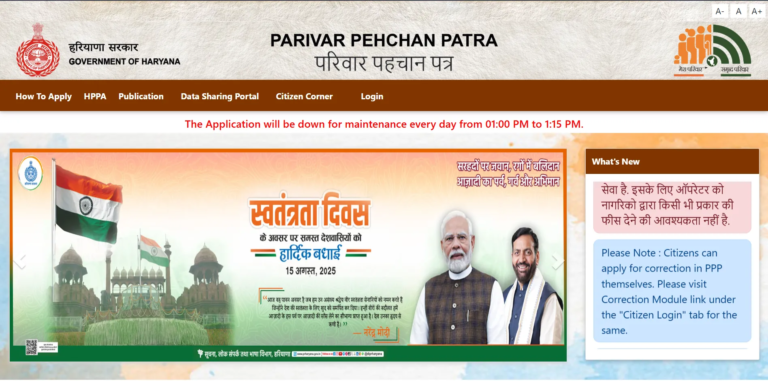
- Login to PPP Haryana portal https://ppp-office.haryana.gov.in/
- Update Family ID details
- Download PPP Family ID PDF
- Verify Aadhaar-linked mobile number
If OTP is not received, you cannot proceed further in the PPP Haryana portal.
Main Reasons Why PPP Haryana OTP Is Not Coming
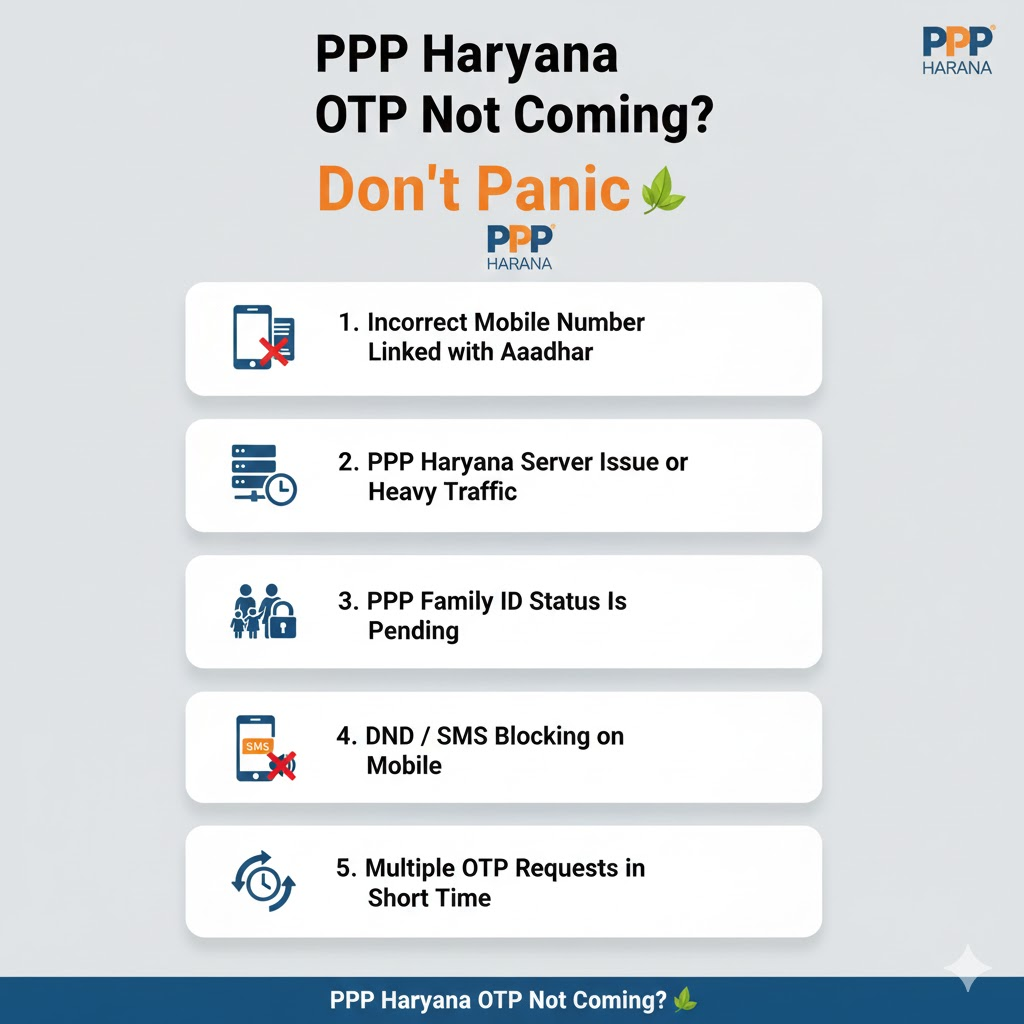
1. Incorrect Mobile Number Linked with Aadhaar
PPP Haryana sends OTP only to the mobile number linked with Aadhaar. If your Aadhaar mobile number is old or inactive, OTP will not arrive.
Many users facing OTP issues later discover that they are also facing PPP Haryana login problems, even though credentials are correct.
2. PPP Haryana Server Issue or Heavy Traffic
During peak hours (morning & evening), PPP Haryana servers may slow down, causing OTP delay or failure.
If the website is loading slowly or showing errors, OTP delivery may be temporarily blocked.
3. PPP Family ID Status Is Pending or Under Verification
If your PPP Family ID status is pending, OTP may not be generated for sensitive actions like updates or downloads. Follow our guide to check PPP Haryana ID status.
4. DND / SMS Blocking on Mobile
Some mobile networks block automated government SMS due to:
- DND enabled
- SMS inbox full
- Network signal issues
5. Multiple OTP Requests in Short Time
Requesting OTP repeatedly can temporarily block OTP generation for security reasons. In such cases, waiting 30–60 minutes is necessary.
Step-by-Step Fix: PPP Haryana OTP Not Coming
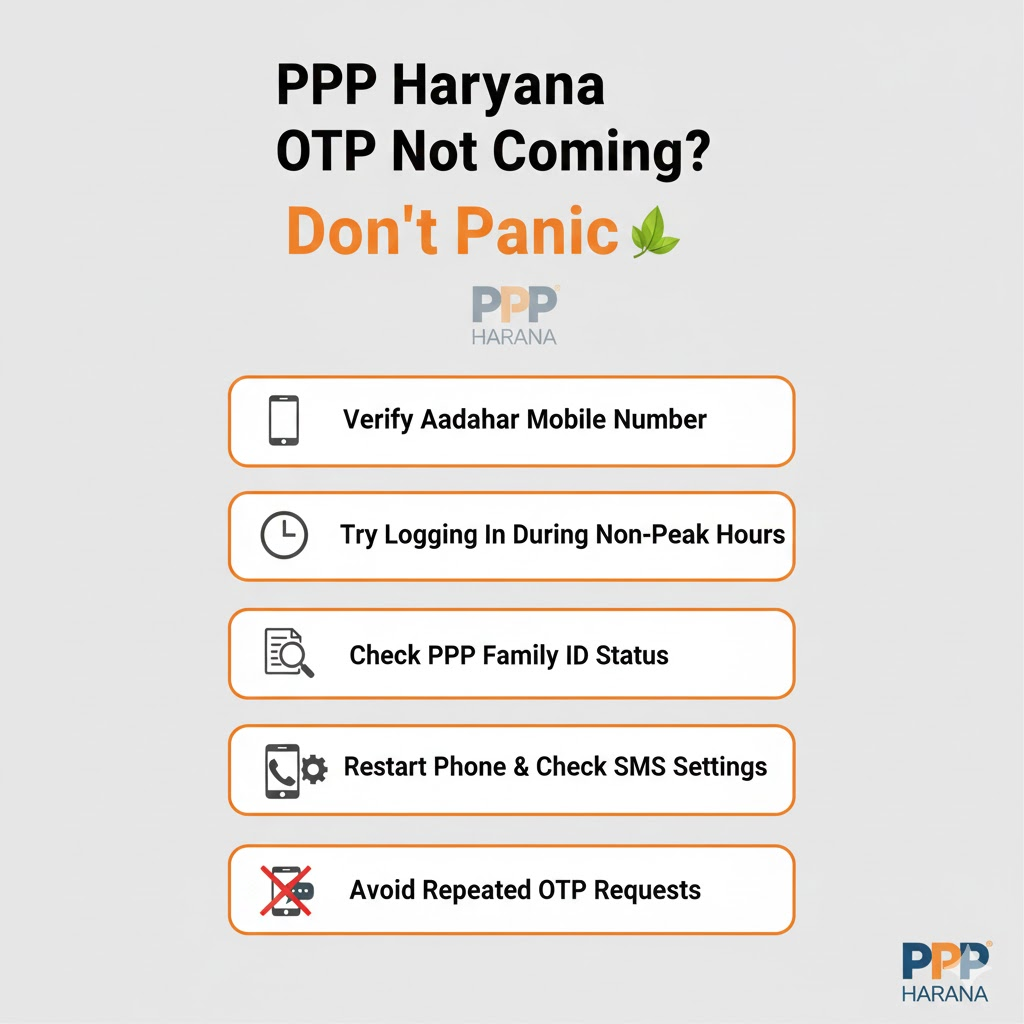
Step 1: Verify Aadhaar Mobile Number
- Visit UIDAI website
- Confirm your Aadhaar-linked mobile number
- If outdated, update Aadhaar first
Without correct Aadhaar mobile linking, PPP Haryana OTP will never arrive.
Step 2: Try Logging In During Non-Peak Hours
Best time:
- Early morning (6 AM – 8 AM)
- Late night (10 PM – 12 AM)
This also helps users facing PPP Haryana website not working issues.
Step 3: Check PPP Family ID Status
- If your status is pending, OTP may not work for certain services.
- If your Family ID is not even visible, you may be facing a database issue.
Step 4: Restart Phone & Check SMS Settings
- Restart device
- Ensure SMS inbox is not full
- Disable spam SMS filters
- Ensure network signal is strong
Step 5: Avoid Repeated OTP Requests
If OTP failed once:
- Wait at least 30 minutes
- Do not refresh repeatedly
- Try again after some time
Repeated attempts may trigger a temporary OTP block.
OTP Received but Login Still Fails?
If OTP arrives but login fails:
- Your account may be partially verified
- Update request may be rejected earlier
- Family ID data may be incomplete
When to Visit CSC for OTP Issue?
You should visit a PPP Haryana CSC center if:
- Aadhaar mobile cannot be updated online
- OTP never arrives even after 24 hours
- Account is blocked due to repeated attempts
CSC can verify identity offline and resolve OTP issues faster.
Important Tips to Avoid OTP Problems in Future
- Keep Aadhaar mobile number active
- Avoid multiple OTP attempts
- Always logout after successful login
- Do not use third-party or fake PPP websites
FAQs
How long should I wait for OTP?
Usually 1–5 minutes. During peak hours, wait up to 10 minutes.
Can OTP be sent to a non-Aadhaar mobile number?
No. OTP is sent only to Aadhaar-linked mobile number.
Is there any charge for OTP?
No. OTP service for PPP Haryana is completely free.
Conclusion
PPP Haryana OTP not coming is not a serious problem in most cases. It usually happens due to:
- Aadhaar mobile mismatch
- Pending Family ID status
- Server or network issues
By following the steps above and understanding how PPP Haryana Family ID login and verification works, you can fix the OTP issue without repeated failures.