Unable to Download PPP Family ID PDF – Complete Fix
Many users report that even after successful login, they are unable to download PPP Family ID PDF. Sometimes download button does not appear, sometimes PDF does not open, or file downloads but shows an error.
In most cases, this issue is not a technical fault from your side. It is usually related to verification status, login session issues, or incomplete approval in PPP Haryana Family ID system, which controls when and how PDF becomes available.
Step-by-Step Fix: Unable to Download PPP Family ID PDF
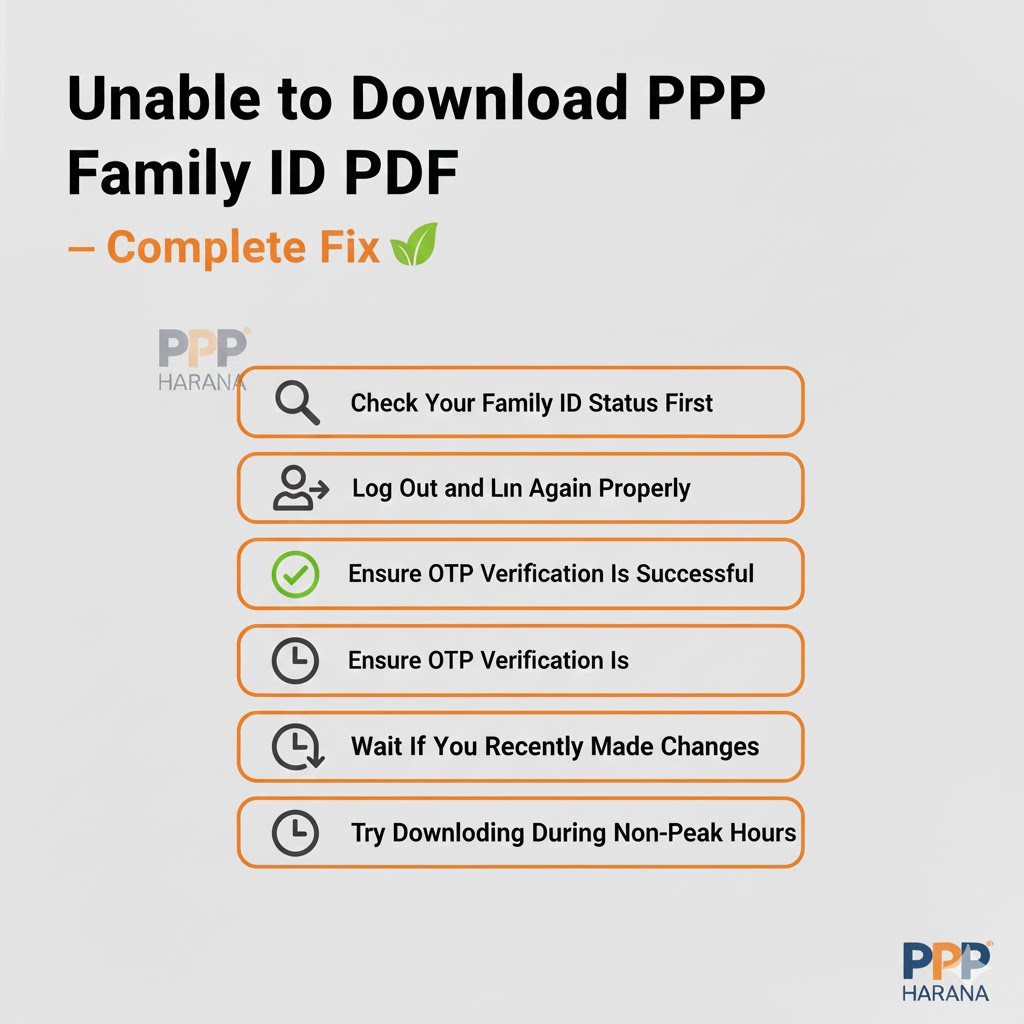
Step 1: Check Your Family ID Status First
Before trying anything else, confirm whether your Family ID is approved. If status is pending, PDF will not be available.
Many users skip this step and assume a technical error, while system is simply waiting for verification.
Step 2: Log Out and Log In Again Properly
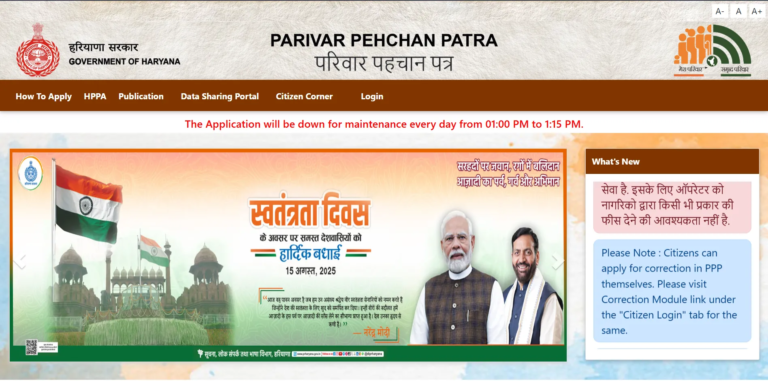
End your session completely, go to https://ppp-office.haryana.gov.in/ and log in again using correct method. A fresh login often resolves session-related download issues.
If login itself feels unstable or slow, revisit common PPP Haryana login problems, as an incomplete login session can block PDF access.
Step 3: Ensure OTP Verification Is Successful
Make sure OTP:
- Arrives properly
- Is verified without delay
- Is not requested repeatedly
If OTP delivery was inconsistent earlier, it can affect download permissions later in same session.
Step 4: Wait If You Recently Made Changes
If you updated Haryana Family ID any detail recently:
- Do not submit another update
- Do not refresh repeatedly
- Allow time for verification
During this phase, system may temporarily hide download option.
Step 5: Try Downloading During Non-Peak Hours
If everything seems correct but download still fails:
- Try early morning or late night
- Use stable internet
- Avoid mobile browsers if possible
This helps bypass temporary server load issues.
Main Reasons Why PPP Family ID PDF Is Not Downloading
1. PPP Family ID Status Is Still Pending
The most common reason for download failure is that your Family ID is not fully approved. When status is pending, system does not allow PDF generation.
This is why users who recently registered or updated details often see download option disabled. If you are unsure about your approval stage, it’s important to first understand what it means when PPP Family ID status shows pending and how long verification usually takes.
2. Family ID Not Found in System
If system cannot fetch your Family ID record, PDF download option will not work. This usually happens when:
- Verification is incomplete
- Login session is unstable
- Data is temporarily unavailable
Many users see “not found” message before realizing that PDF cannot be downloaded. In such cases, issue is explained in detail in PPP Family ID Not Found situation, which is closely linked to download problems.
3. Login or OTP Session Expired
Even if you logged in successfully, your session may expire silently. When this happens:
- Download button may not respond
- PDF page may reload repeatedly
- Nothing happens after clicking download
This often occurs after OTP delays or repeated attempts. Users who previously faced PPP Haryana OTP not coming frequently encounter this issue during PDF download as well.
4. Recent Update or Correction Is Under Process
If you recently updated:
- Name
- Address
- Family members
- Aadhaar details
Your Family ID may temporarily stop showing download option until verification is completed. During this period, system restricts PDF access to avoid issuing incorrect documents.
5. Server Load or Technical Issue
During peak usage times, PPP Haryana portal may face:
- Slow response
- Incomplete PDF generation
- Timeout errors
This can prevent PDF from downloading even if everything else is correct.
When Does PPP Family ID PDF Download Problem Occur?
You may face this issue when you try to:
- Download Family ID after registration
- Download PDF after updating details
- Access PDF during peak hours
- Download immediately after login
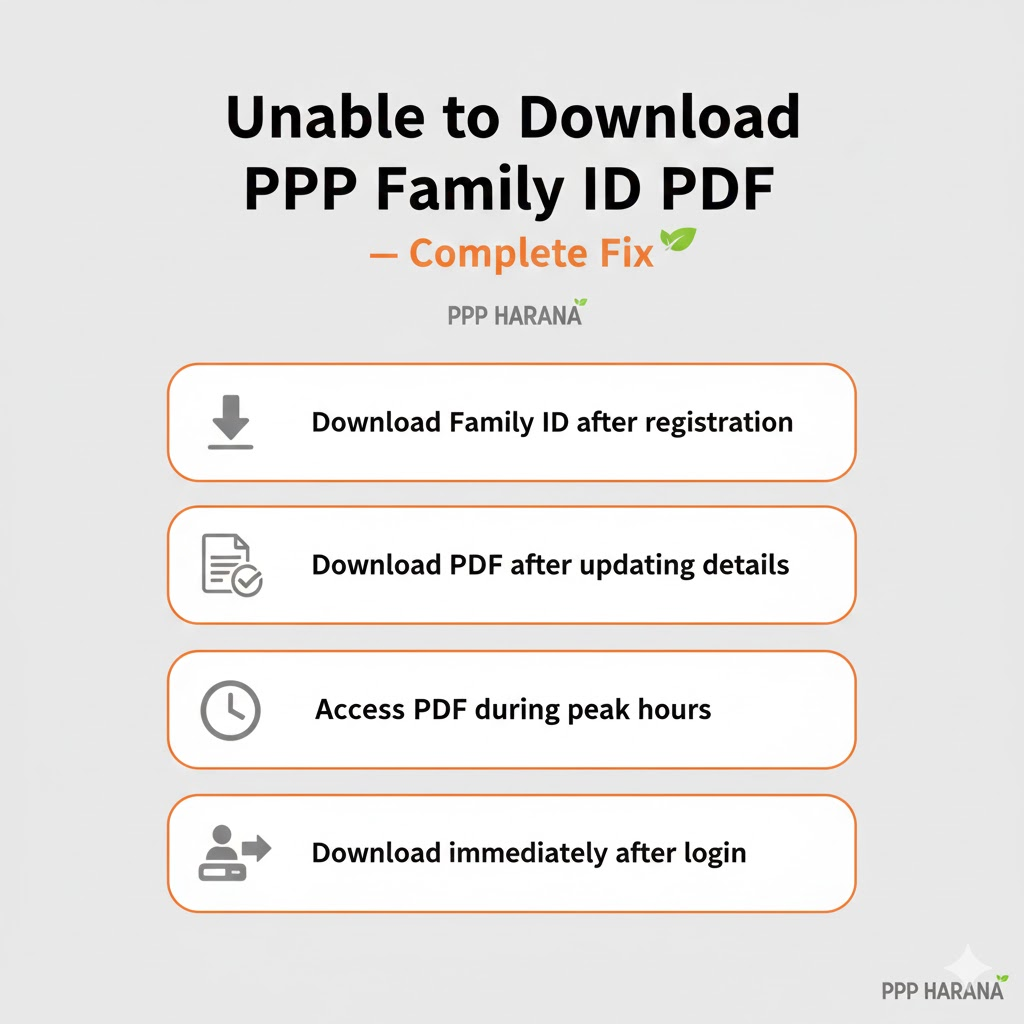
Most users reach this stage after already dealing with login, OTP, or status-related problems, which means download issue is often a result, not root problem.
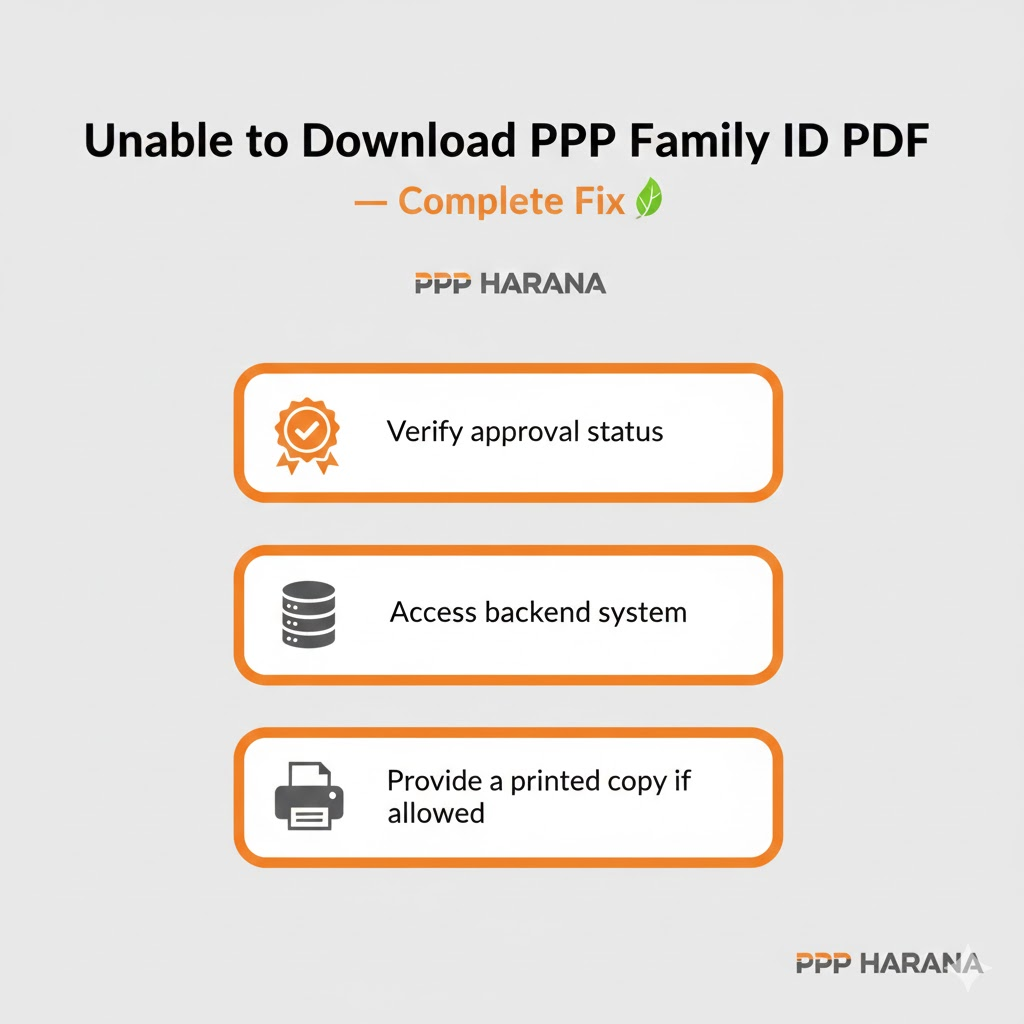
Can I Download PPP Family ID PDF from CSC?
Yes. If online download is not working even after approval, you can visit a PPP Haryana CSC. CSC operators can:
- Verify approval status
- Access backend system
- Provide a printed copy if allowed
This is especially helpful for users who are repeatedly blocked online.
What NOT to Do When PDF Is Not Downloading
- Do not create a new Family ID
- Do not submit repeated updates
- Do not use third-party or fake websites
- Do not share OTP with anyone
These actions can delay verification further.
FAQs
Why is download button not showing?
Usually because Family ID status is pending or verification is incomplete.
Can I download PDF before approval?
No. PDF is available only after approval.
Is PDF download free?
Yes. There is no charge for downloading PPP Family ID PDF.
What if PDF option never appears?
Check status, re-login properly, or visit a CSC for assistance.
Conclusion
If you are unable to download PPP Family ID PDF, issue is almost always related to approval status, login session, or OTP verification not a system failure. Download PPP ID only when Family ID is fully verified and accessible.
By understanding how PPP Haryana login, status approval, OTP verification, and record availability are connected, you can avoid unnecessary retries and wait for right stage to download your Family ID smoothly.